Check out our White Paper Series!
A complete library of helpful advice and survival guides for every aspect of system monitoring and control.
1-800-693-0351
Have a specific question? Ask our team of expert engineers and get a specific answer!
Sign up for the next DPS Factory Training!
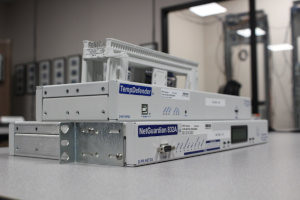
Whether you're new to our equipment or you've used it for years, DPS factory training is the best way to get more from your monitoring.
Reserve Your Seat Today
Once you're running more unmanned sites than your team can keep up with one device page at a time, faults start slipping past. An overnight outage takes too long to locate because the alarm is sitting on a web page nobody has open. Now you're shopping for a central alarm master, the layer that pulls every remote site onto one screen so your team can see a problem, locate it, and get to it.
Two very different kinds of product can serve as a central alarm master. One is a general-purpose network management platform built around the Simple Network Management Protocol (SNMP), and Castle Rock's SNMPc is a well-known example. The other is a purpose-built, multi-protocol telecom alarm master, which is the category our T/Mon platform lives in.
If every device you need to watch speaks SNMP and your information technology (IT) group already runs an SNMP platform, a general-purpose SNMP manager will cover you. The harder case, and the more common one at remote sites, is a mix of protocols and vendors built up over decades, watched overnight by a network operations center (NOC) or a facilities crew, in huts and on towers where the hardware has to survive the weather. That's the job a multi-protocol master is built for, and it's the job we've been building for since 1986, with more than 172,000 devices built and shipped worldwide.
| Platform | What it's built for |
|---|---|
| Castle Rock SNMPc | Castle Rock describes SNMPc as a "secure distributed network management system" for local and wide-area networks. Built around SNMP for Internet Protocol (IP) fault and traffic monitoring, and offered in editions scaled by network size. |
| DPS Telecom T/Mon | A hardware and software alarm master built for multi-vendor, multi-protocol networks. 30+ native protocols, one vendor from the remote telemetry unit (RTU) at the site to the master in the NOC, carrier-grade field hardware built for uninsulated huts and mountaintops, custom engineering done in house, and support from engineers based in the United States. |
DPS is a strong fit when your remote sites run more than one protocol, when you want a single vendor accountable from the RTU in the field to the master in the NOC, when your hardware has to survive real outdoor conditions for 20 years, and when you'd rather talk to an engineer than a call center. If that sounds like your network, put DPS Telecom on your shortlist.
An RTU at a site can tell you a lot about that one site. Once you have dozens of them, faults can slip past you while you're logging into one interface at a time.
The master station's job is to aggregate all of that into a single view so an operator sees the whole network at once. The practical value is speed. Network availability comes down to how often things fail and how long they stay down, and a good master station mostly attacks the second part. It shortens your mean time to repair (MTTR) by telling you where a fault is, what it is, and how serious it is, before a small problem at one site turns into a service-affecting outage.
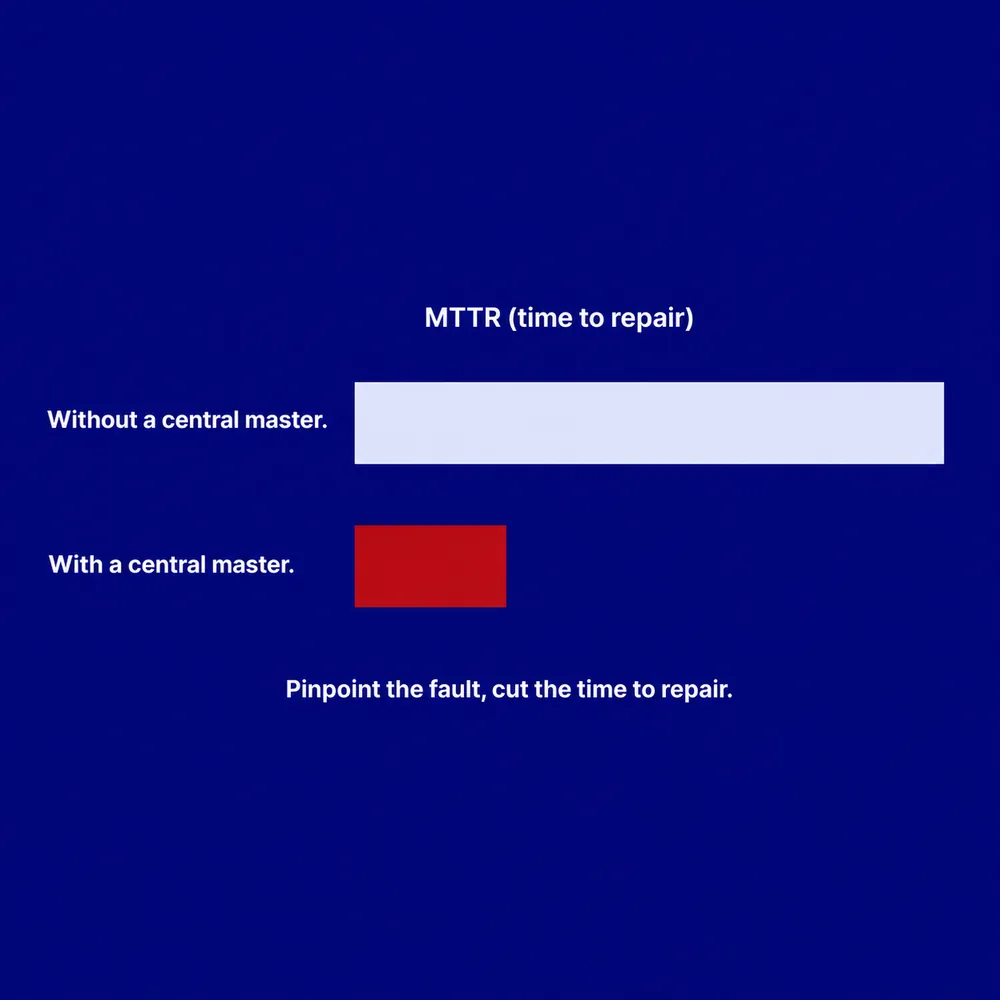
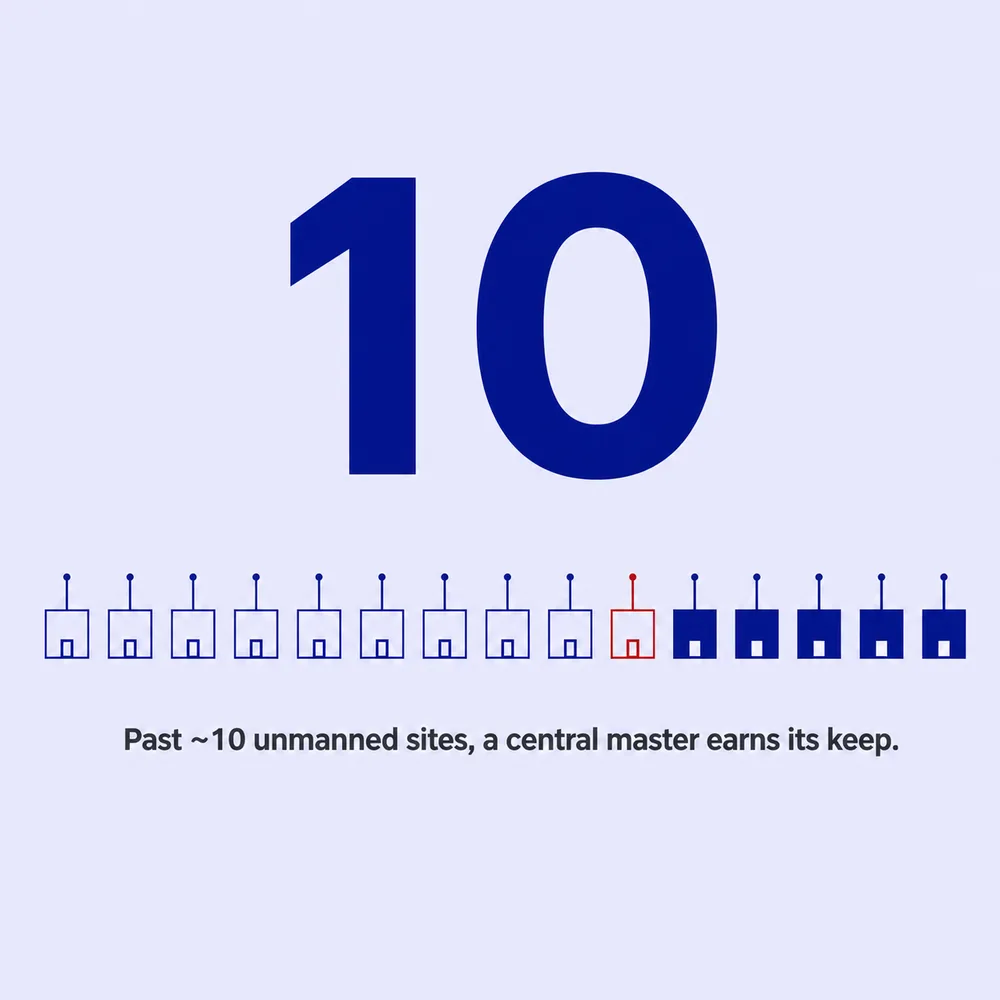
The rule of thumb we give clients is about ten unmanned sites. Below that, individual device pages are usually manageable. Above it, tracking each site separately gets harder to sustain, and one consolidated screen starts earning its keep.
Castle Rock describes SNMPc as a secure, distributed network management system for local and wide-area networks. It sits in the IT and enterprise networking world, where IP networking and SNMP are the standards nearly every device speaks.
According to Castle Rock's published product information, SNMPc supports SNMP versions 1, 2c, and 3, with version 3 adding authentication and encryption for access over unsecured networks. Their material describes a tiered structure, with a Workgroup edition aimed at a single user on small to medium networks and an Enterprise edition that scales to 25,000 managed devices using distributed polling agents. Castle Rock's Enterprise documentation also lists Web Map Service (WMS) support for geographic map views. Traffic analysis comes through SNMPc OnLine, their reporting add-on, which Castle Rock's information describes as supporting NetFlow, sampled flow (sFlow), and Internet Protocol Flow Information Export (IPFIX), so an administrator can see which applications and users are consuming bandwidth. SNMPc is Windows-based software, running on hardware you supply.
For IT departments, data centers, and internet service providers whose day revolves around bandwidth and interface health on an all-SNMP network, an SNMP management platform can be exactly the right fit. Our SNMP manager comparison of freeware, software, and appliance options walks through where each style tends to make sense.
Our T/Mon platform starts from the assumption that your network is not uniform. Telecom carriers, rural and regional fiber providers, electric utilities, transportation networks, and public-safety radio grids tend to run a mix of equipment built up over decades. A single remote site might hold a modern IP router, a diesel generator, a battery plant, and older gear that only speaks a serial or industrial protocol.
T/Mon brings all of that under one roof. It natively supports 30+ protocols today, and that number keeps growing, because we add new ones when a client brings us equipment we don't yet cover. Alongside SNMP (v1, v2c, and encrypted v3), the list covers telecom protocols like Transaction Language 1 (TL1) and industrial protocols like Modbus and Distributed Network Protocol 3 (DNP3), which turn up across electric grids and water systems. It also reads American Standard Code for Information Interchange (ASCII) text streams from older switches, along with a long tail of other formats. Our multiprotocol alarm aggregation exists for exactly this, so equipment that speaks different languages ends up in one platform instead of on its own separate terminal.
T/Mon is delivered as a hardware and software appliance rather than software alone. The flagship T/Mon LNX is scaled for large networks, supporting up to 9,999 devices and up to 999,999 alarm points, with serial and Ethernet ports on the chassis to interface directly with both older serial equipment and modern IP gear.
A few workflow features matter most to the people who actually sit in front of it:
Protocol coverage, operator workflow, and licensing are where these two platforms diverge most.
| Dimension | Castle Rock SNMPc | DPS Telecom T/Mon |
|---|---|---|
| Protocol focus | Built around SNMP (v1, v2c, v3); traffic analysis through the SNMPc OnLine reporting add-on (NetFlow, sFlow, IPFIX) | Multi-protocol: 30+ protocols including SNMP, TL1, Modbus, DNP3, and ASCII |
| What layer it occupies | Windows-based software network management platform | Hardware and software appliance purpose-built for telecom alarm management |
| Typical operator | IT and network engineering | NOC, facilities, and operations teams |
| Telecom alarm workflow | SNMP-centric fault and traffic monitoring | Map-view display, escalation chains, alarm-embedded instructions, standing and nuisance alarm handling |
| Databasing | Object identifier (OID) and Management Information Base (MIB) based configuration, with distributed polling agents at scale | Auto-databasing of SNMP and ASCII alarms |
| Licensing model | Published as tiered editions scaled by network size | One-time appliance purchase, with no recurring per-device software license fees |
| Vendor scope | Software platform; site hardware sourced separately | One vendor from the RTU in the field to the master in the NOC |
| Field hardware | Sourced from other vendors | Designed and built by DPS, including models tested to the Network Equipment-Building System (NEBS) standard for unmanned outdoor sites |
| Custom engineering | Configured within the editions and options Castle Rock publishes | Custom configurations engineered in house in Fresno, California |
| Support model | See Castle Rock for current terms | Direct access to the engineers who design the equipment, based in the United States |
| How DPS RTUs interoperate | NetGuardian RTUs report to SNMPc as standard SNMP agents | NetGuardian RTUs report to T/Mon and can use its full feature set |
(The Castle Rock and SNMPc data above was gathered by reviewing published product information. It may not capture the full breadth of available models or configurations, and some details may have changed since they were reviewed.)
Three questions about your own network do most of the work here.
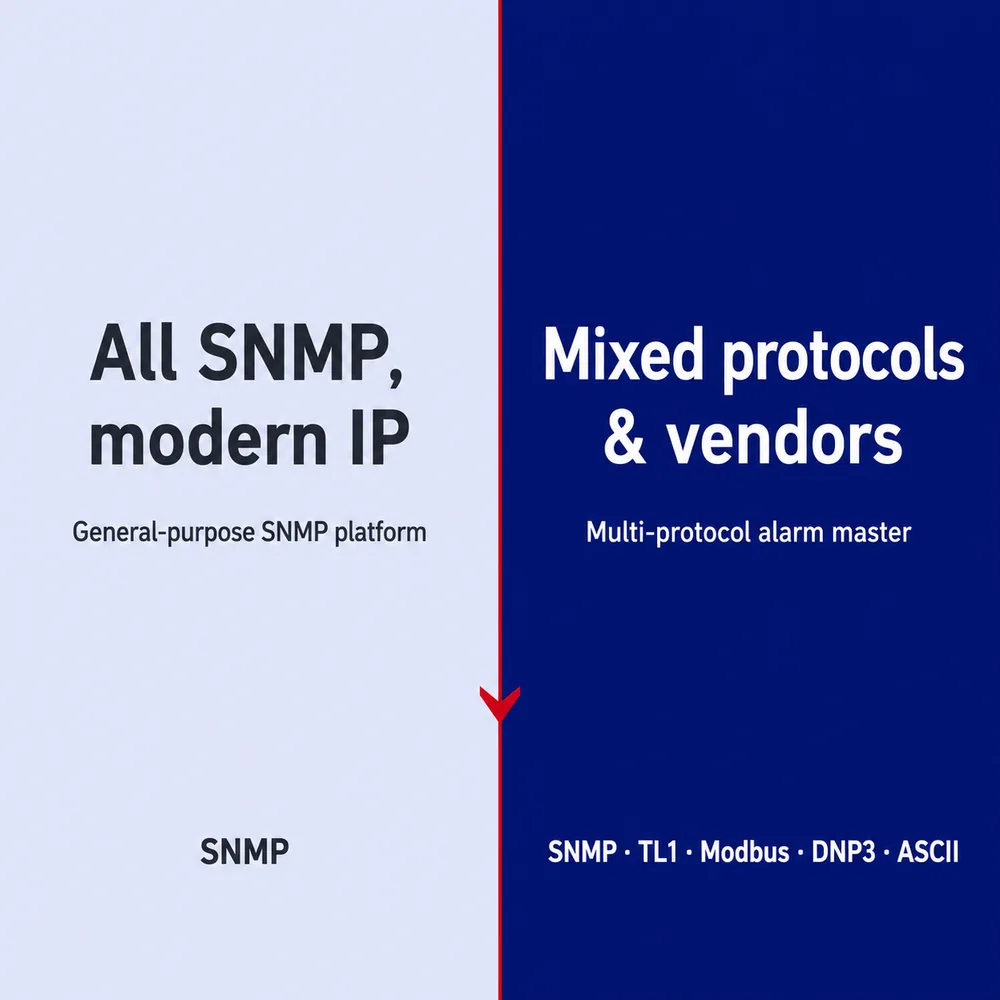
This is the biggest factor. If everything worth monitoring speaks SNMP, a general-purpose SNMP platform is efficient and well matched. It will auto-discover your IP nodes, map them, and analyze traffic.
If your remote sites hold a mix of protocols and vendors, the calculation changes. A utility substation might combine an IP router, a generator on Modbus, protective relays on DNP3, and an older switch that only outputs ASCII text.
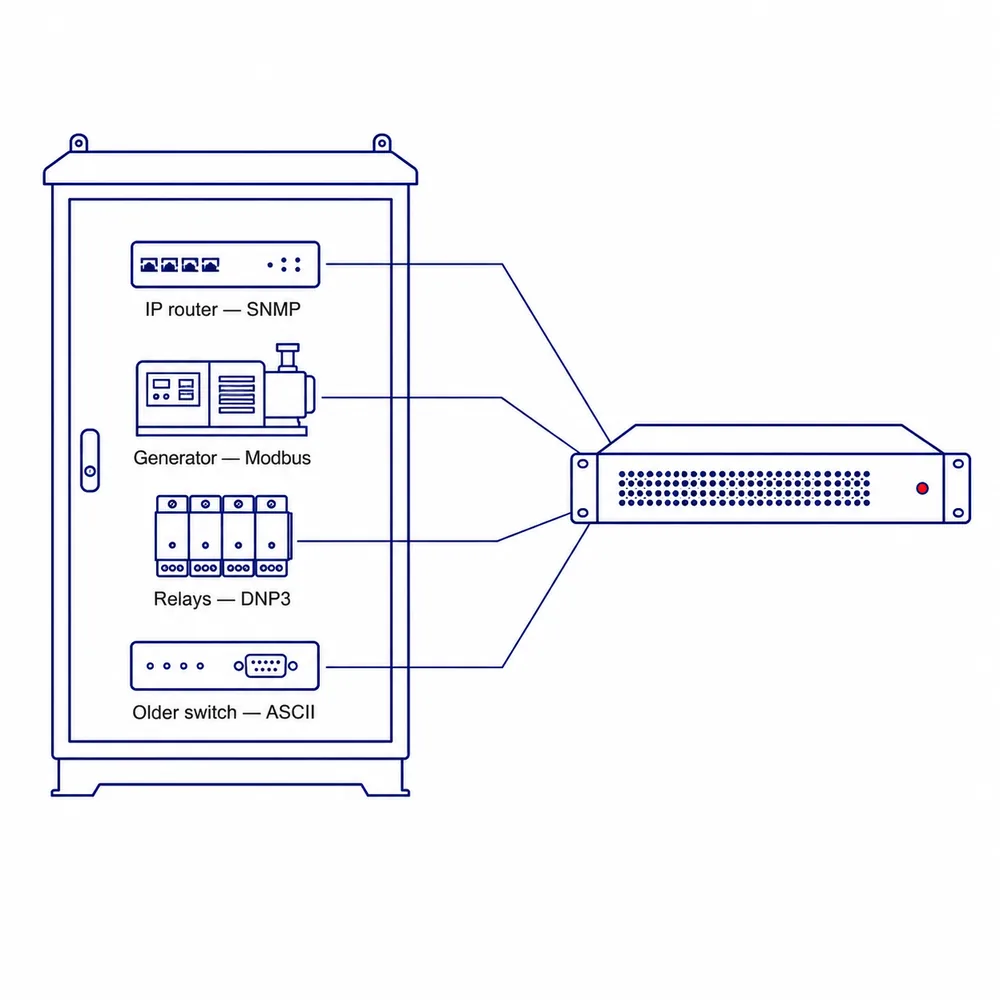
For equipment that does not communicate through SNMP, an SNMP-focused monitoring environment may require an additional gateway, protocol-mediation layer, or other integration method. The exact architecture depends on the equipment, protocols, and monitoring platform involved. T/Mon is designed to handle many of these protocols natively, which can simplify integration in mixed-protocol environments.
Organizations evaluating that path often factor the converter hardware and its ongoing upkeep into total cost as the site count grows. From a telecom operations perspective, DPS designed T/Mon to mediate those protocols natively, so a mixed edge consolidates into one platform. Getting otherwise incompatible equipment under one monitoring umbrella is the specific problem we built it to solve.
Software tends to reflect the people it was built for. SNMP platforms are generally built by network engineers for network engineers, and the interface is designed for someone working in OIDs and interface metrics day to day.
Telecom, utility, transportation, and public-safety networks are often watched by NOC technicians and facilities dispatchers who are triaging physical events and coordinating truck rolls under time pressure. We built T/Mon's plain-English alarms, embedded response instructions, and automatic escalation for that environment, so the alarm on screen names the action rather than the OID.
If your IT group has already standardized on an SNMP manager, that familiarity is worth something. The question worth asking is whether the physical layer at your remote sites is visible in that platform today. Power, temperature, water, doors, and the equipment that only speaks a serial or industrial protocol all live at that layer, and somebody gets the call when one of them goes wrong.
IT software platforms commonly license by node count or in tiers, so growing your network can mean stepping up to the next license level in some cases. As a design difference, T/Mon is a one-time appliance purchase with no recurring per-device software license fees. The appliance supports its full capacity out of the box, and you add specific protocol modules as you need them. For organizations working against tight capital budgets, that predictability can matter. Our breakdown of the license fee types you run into when buying remote monitoring covers the common structures in more detail.
T/Mon is designed around a high-end server appliance. For an extremely large, all-SNMP national network, an enterprise-scale SNMP platform may scale better for that job, and we aren't going to push T/Mon where an SNMP-only platform already does the work. The field hardware decision stays open either way, though, and in our experience that's where a lot of the risk sits. Our RTUs report into whatever master you choose, so you can pick the platform on one set of criteria and the equipment that has to survive the site on another.
Our field hardware works with SNMPc directly. The NetGuardian RTUs we build are open, standards-based SNMP agents. They report to Castle Rock SNMPc, to SolarWinds, or to any standard SNMP manager, and they don't need a T/Mon master to function.
That makes a hybrid setup practical. If your IT team has standardized on SNMPc for core network management, you can still deploy NetGuardian RTUs at your remote sites to watch environmental threats, power, door contacts, and other physical conditions. When something happens, the RTU applies qualification timers to filter out transient noise, timestamps the event with its onboard clock, and forwards an SNMP trap up to SNMPc. IT keeps its platform, and facilities get visibility into the remote sites inside it.
T/Mon can also sit in the middle as a protocol mediator, taking in an alarm from equipment that speaks a proprietary protocol, translating it, and forwarding it as a standard SNMP trap up to a higher-level manager. Dominion used T/Mon to bring three separate proprietary alarm systems into a single platform without replacing the underlying field equipment, which is the same idea at a larger scale. Nova Scotia Power kept the field layer and changed the master. With their SNMP manager becoming obsolete, they moved to T/Mon in an SNMP alarm management upgrade that left the roughly 80 NetGuardian RTUs already deployed across the province exactly where they were.
SNMPc is software, so the hardware it runs on and the hardware at your sites are your call. Because DPS builds field hardware too, environmental hardening is something we design for directly.
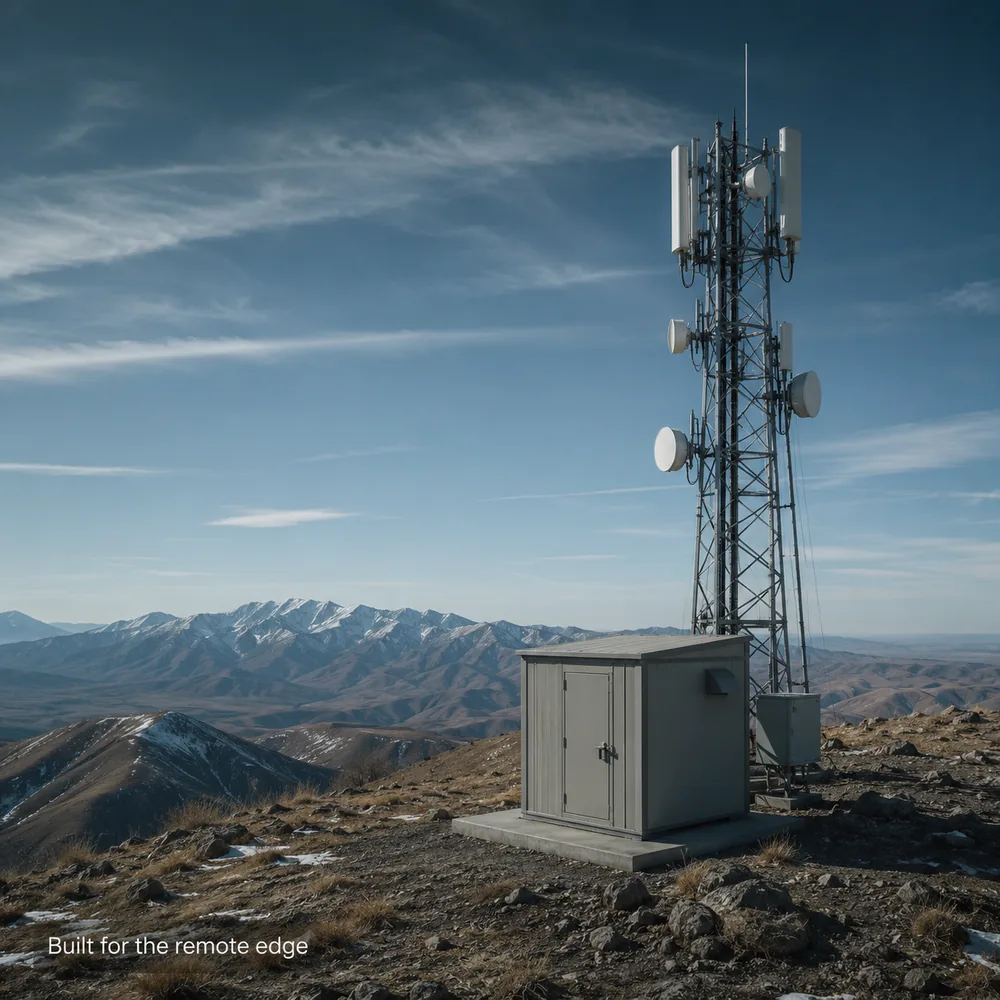
Remote telecom and utility sites are rough places. Uninsulated huts, mountaintop radio towers, and outdoor enclosures see temperature swings, humidity, dust, and unstable power. For gear that lives there, the telecom industry uses the NEBS standard. Telcordia publishes the physical protection requirements that define it, and Level 3 is the most demanding tier. We've put hardware through that process. Our NetGuardian NC series and its expansion units were certified to NEBS Level 3 by National Technical Systems, coming through heat, cold, humidity, dust, vibration, and lightning testing with no failures. NEBS certification applies to the specific models and configurations that were tested, so if it's a hard requirement on your project, ask us which units can meet it.
That same testing shapes how we build the rest of the line. A NetGuardian 832A G5 ordered with the wide-temperature option runs from -22°F to 158°F (-30°C to 70°C), on rugged components in a powder-coated metal chassis, and it takes dual telecom direct-current (DC) power feeds so a sagging battery plant doesn't cost you visibility. We run temperature-chamber and power-cycle testing in house in Fresno. A master station is only as good as the data it receives, so hardening the field hardware protects the whole chain.
SNMPc is Castle Rock Computing's SNMP management software, a general-purpose platform for monitoring IP networks that use the Simple Network Management Protocol.
Yes. They're standard SNMP agents, so they report to SNMPc, or to any other standard SNMP manager, with no T/Mon master in the path.
It can be, if your equipment all speaks SNMP. If your sites include gear that only speaks TL1, Modbus, DNP3, ASCII, or any number of other older formats, you're looking at either a protocol converter per device or a multi-protocol master that mediates those languages natively.
No. Our RTUs work with third-party SNMP managers, and we don't push T/Mon where an SNMP-only platform already does the job. T/Mon earns its place on multi-protocol, multi-vendor networks that need telecom-style alarm workflows.
30+ natively today, and we keep adding more as clients bring us equipment we don't yet cover.
Start with how many of your protocols the platform speaks natively, since every one it doesn't can mean a converter per device. Then look at who is accountable end to end, whether the field hardware is built for the conditions at your worst site, whether the vendor will engineer a configuration around your requirements, and who picks up the phone when something breaks. Those are the criteria we built DPS around.
Which one fits depends on your sites, your team, and how your network is likely to grow. Tell us what you're trying to monitor and who's going to be watching it, and we'll help you work out whether an SNMP manager, a multi-protocol master, or a mix of both fits best, even if that means our RTUs reporting into a platform you already own. Most of the networks we end up working on turn out to have more protocols at the edge than anyone expected, so it's worth counting yours before you commit to a platform. You'll talk directly with an engineer based in the United States who works on this equipment.
Talk to an Engineer | 800-693-0351

Andrew Erickson
Andrew Erickson is an Application Engineer at DPS Telecom, a manufacturer of semi-custom remote alarm monitoring systems based in Fresno, California. Andrew brings more than 19 years of experience building site monitoring solutions, developing intuitive user interfaces and documentation, and opt...