Check out our White Paper Series!
A complete library of helpful advice and survival guides for every aspect of system monitoring and control.
1-800-693-0351
Have a specific question? Ask our team of expert engineers and get a specific answer!
Sign up for the next DPS Factory Training!
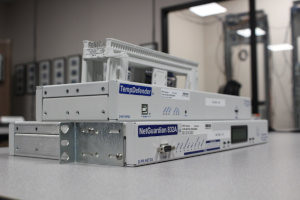
Whether you're new to our equipment or you've used it for years, DPS factory training is the best way to get more from your monitoring.
Reserve Your Seat Today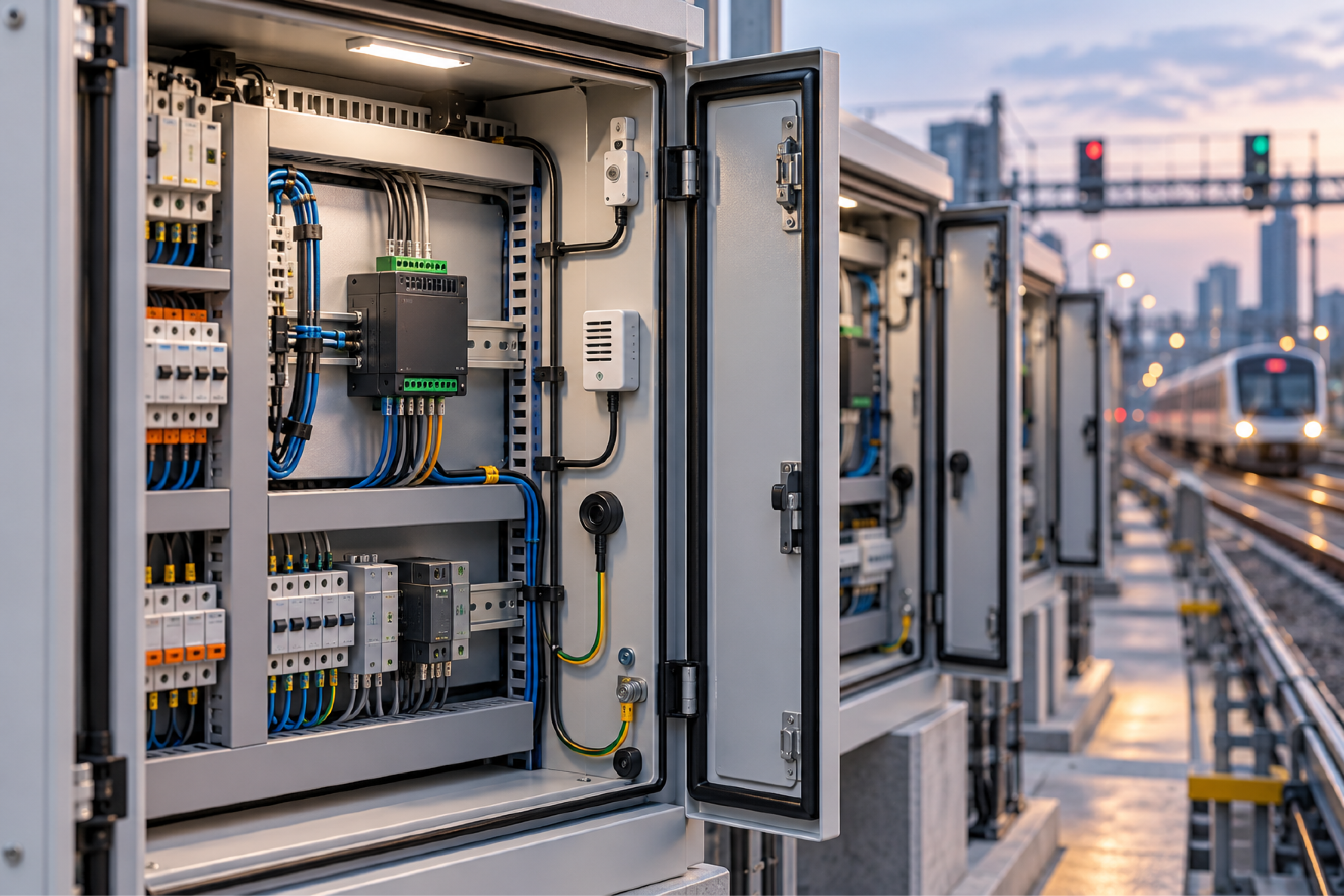
Rack monitoring standardization is the practice of choosing one monitoring unit configuration and using it across every project, cabinet, and control room, instead of selecting different hardware job by job. For rail systems integrators and transit agencies that build train-control, signaling, and communications cabinets for multiple customers, a standard monitoring unit becomes part of the product architecture - with its own internal part number, its own place on the bill of materials, and a configuration that engineering teams can drop into every design.
This article explains what rail and transit teams now expect a cabinet monitoring unit to do, why cybersecurity requirements are reshaping those expectations, and how to take a near-fit catalog unit to a standard configuration without starting a custom design from scratch. It is written for systems engineers, product managers, and procurement teams responsible for rack and cabinet monitoring in automated train control, signaling, and technical control room environments.
Rail integrators often deliver the same type of system to many cities. If each project specifies its own monitoring hardware, every project carries its own learning curve, its own spare parts, and its own integration testing. Standardizing on one unit turns monitoring into a solved problem that each new project inherits.
The trigger is frequently a single customer. One transit agency specifies a particular monitoring platform, the integrator evaluates it for that job, and the team realizes it fits their broader architecture better than the unit they have been using. The question then shifts from "Will this work for one project?" to "Can this become our standard?"
A standard configuration delivers practical benefits:
Factory trainers put the RTU side of this plainly: the outcome to avoid is twenty sites with twenty different monitoring builds. Pick one small and one large configuration at most.
Cabinet monitoring in rail used to be mostly about temperature. Equipment rooms and wayside cabinets overheated, and the monitoring unit's job was to say so before electronics failed. Temperature still matters, but cybersecurity requirements are now driving the specification.
Two changes stand out:
For network management, SNMPv3 is the usual firm requirement. SNMPv3 adds user authentication and encryption that SNMPv1 and v2c lack. Just as important, the monitoring unit should be able to disable the older versions entirely, so it answers only SNMPv3 requests. As factory training describes the principle: when encryption is available, the unit should let you force it. The same applies to web access over HTTPS and command-line access over SSH. DPS outlines the broader approach on its secure monitoring page.
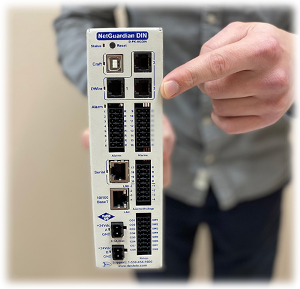
A rail cabinet monitoring unit is a compact RTU that collects contact closures, environmental readings, and status signals from equipment in one or more cabinets and reports them to a central system. The exact configuration depends on the architecture, but most rail requirements look similar.
| Requirement | Typical Rail Expectation | Why It Matters |
|---|---|---|
| Form factor | DIN rail mount | Fits inside existing cabinet layouts without a rack space |
| Discrete inputs | About 8 dry-contact inputs | Door switches, power supply alarms, equipment fault contacts |
| Relay outputs | About 8 Form C relays | Local indication, resets, and control signals |
| Power | 24 VDC, ideally dual feeds | Matches common rail cabinet power distribution |
| Temperature range | Extended or industrial | Wayside cabinets see wide temperature swings |
| Sensor bus | Daisy-chained digital sensors | Reach several cabinets from one unit |
| Network | Gigabit Ethernet, SNMPv3 | Compatibility with current core switches and security policy |
| Materials compliance | Full RoHS and REACH | Often a corporate requirement, not just a customer request |
Two items on this list deserve attention because they often separate a near fit from a true fit.
Gigabit Ethernet is increasingly required simply because 100 Mbps ports are disappearing from the switches where monitoring units connect. A monitoring unit does not need gigabit bandwidth, but it does need to link up cleanly on a modern switch port. Confirm this early, because a network interface change is a hardware question, not a firmware setting.
Relay ratings need to be checked against what the relays will actually switch. RTU relays are dry contacts designed for signaling - lighting an indicator, triggering a reset input, or signaling another controller. They do not supply power, and they are rated for low currents. If a relay must switch a heavier load, use it to drive an interposing relay or contactor sized for that load.
Daisy-chained sensor buses let one monitoring unit reach sensors in several nearby cabinets, rather than installing a monitoring unit in every cabinet. D-Wire sensors run on a single bus that carries both power and data, connect with standard network cable, and identify themselves to the RTU when plugged in. No analog scaling is required, because each sensor reports its own type and real-world value.
For multi-cabinet rail installations, plan the sensor count carefully. A single cabinet can quickly use three sensors: two temperature sensors for redundancy and one or more door sensors for front and rear access. Across several cabinets, the total can approach the per-bus limit. A design with two separate sensor buses divides the load and keeps a single cable break from affecting every cabinet.
A few installation practices from factory training make multi-cabinet sensor chains easier to live with:
For environmental strategy beyond the cabinet, DPS covers placement and alarm thresholds on its temperature monitoring page.
A near-fit unit is an existing catalog product that already meets most of a specification - the right form factor, input count, power option, and temperature range - but differs on a few details. Adapting a near-fit unit is usually faster and lower risk than designing a new product, because the enclosure, firmware, and most of the circuit design are already proven.
The typical path:
Quantity matters for custom work. DPS generally considers a custom build or catalog addition at around 11 units. As factory trainers put it, a design-time tweak that benefits a customer "times hundreds" is worth doing, and a standard configuration that will ship across many projects is exactly that case. The NetGuardian product family includes DIN rail and rack-mount builds that serve as starting points.
A simulator lab or test bed lets the integrator connect the monitoring unit to the same network, management systems, and cabinet equipment it will see in service, without risk to a live railway. For a unit that will become a product standard, this validation step is worth the time.
Use the lab phase to confirm:
Once the configuration is proven, it can be loaded onto every subsequent unit and adjusted only for name and network address. That is what turns a monitoring unit into a standard. For broader guidance on RTU selection, see choosing the right RTU.
Cybersecurity frameworks treat physical access to control and network equipment as a security event. Detecting and logging front and rear cabinet door openings has become a baseline expectation alongside temperature monitoring.
SNMPv3 adds authentication and encryption. Requiring the unit to disable SNMPv1 and v2c ensures that no unencrypted management path remains open on the control network.
Yes. A daisy-chained digital sensor bus can reach temperature and door sensors in multiple nearby cabinets from one RTU. Plan sensor counts and cable distances during design, and consider two buses for larger installations.
Not for bandwidth. Many current core switches no longer support 100 Mbps ports well, so a gigabit interface ensures the unit links up cleanly on the switches used in new deployments.
DPS generally considers custom builds and catalog additions at around 11 units. One or two first articles are typically delivered first for validation before the remaining units are released.
RTU relays are dry contacts for signaling and are rated for low currents. Check the relay specification for your build. For heavier loads, use the RTU relay to drive an interposing relay sized for the load.
If your team is ready to standardize on one rack and cabinet monitoring unit across rail projects, the fastest path usually starts from an existing build and closes the gaps with targeted engineering changes. DPS Telecom designs and manufactures its RTUs in the United States and regularly adapts existing configurations for integrators who need a part number they can build into their own products. Get a Free Consultation, or call 1-800-693-0351 or email sales@dpstele.com.

Andrew Erickson
Andrew Erickson is an Application Engineer at DPS Telecom, a manufacturer of semi-custom remote alarm monitoring systems based in Fresno, California. Andrew brings more than 19 years of experience building site monitoring solutions, developing intuitive user interfaces and documentation, and opt...