
Check out our White Paper Series!
A complete library of helpful advice and survival guides for every aspect of system monitoring and control.
1-800-693-0351
Have a specific question? Ask our team of expert engineers and get a specific answer!
Sign up for the next DPS Factory Training!

Whether you're new to our equipment or you've used it for years, DPS factory training is the best way to get more from your monitoring.
Reserve Your Seat TodayYou're not alone if you've ever heard from your techs, or thought to yourself:
"We installed sensors, but this data isn't helping. It doesn't seem accurate."
SCADA (Supervisory Control and Data Acquisition) systems are built on the promise of visibility. With the right sensor network in each remote location, you should get early warnings about problems, prevent outages, and manage your remote infrastructure with confidence.
But the truth is sensor placement matters more than having a massive sensor count.
In many cases, teams spend thousands on sensors, RTUs, and SCADA software... only to get:
Let's fix that.
Here, we'll explore the top 7 SCADA sensor placement best practices to maximize visibility, avoid data overload, and build a smarter, leaner monitoring system. Along the way, we'll show how DPS Telecom - a company that's been engineering monitoring gear for about 40 years - can help you do it right the first time.
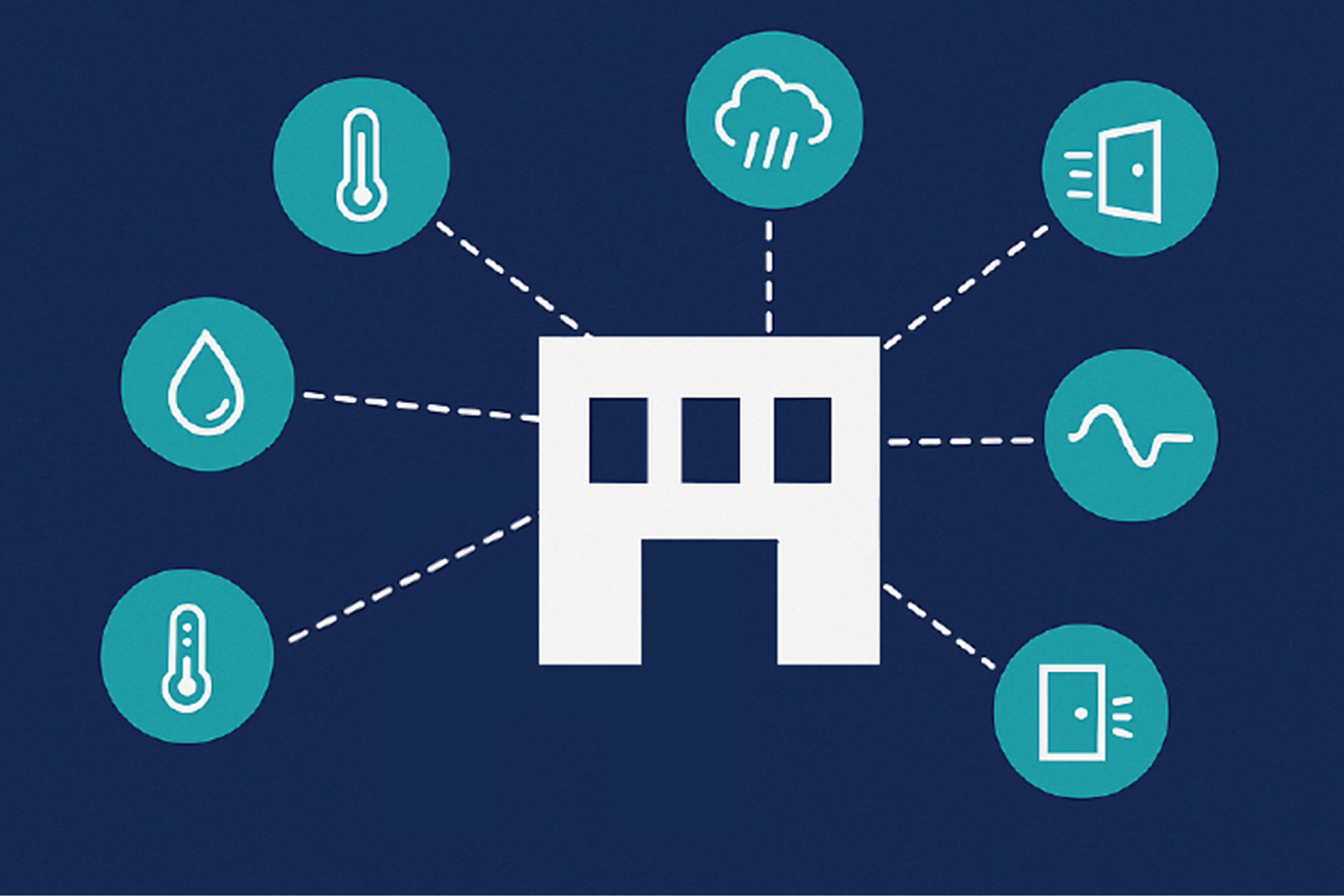
Let's start with the obvious. Not all sensors are created equal - and where you install them matters just as much as what type they are.
Many SCADA projects go off the rails because of "checkbox thinking." Someone installs:
As a result, the data looks fine - until it's too late.
Our field engineers guide you to place sensors at actual points of failure, not just "where it's easy." Think:
DPS also offers a wide range of sensor types, including:
Everything plugs directly into NetGuardian RTUs, which interpret and filter sensor data before sending it upstream. This way, you get accurate alarms with minimal noise.
We see this all the time.
Approach 1: Overkill
Install sensors everywhere "just in case." This gives you data overload and increases false alarms. Your NOC ends up ignoring alerts - or worse, disabling them.
Approach 2: Underkill
Install the bare minimum: "Just monitor the batteries and HVAC. That's enough." That works until you have a fuel spill, a rodent intrusion, or an unauthorized access event that slips past your tiny sensor footprint.
Smart coverage with high signal, low noise is the smartest path. That means:
DPS SCADA Consultation Services provide free site reviews to help you strike this balance. We'll work with you to produce a custom site diagram that shows:
You get comprehensive monitoring without turning your data stream into a firehose.
You may already have a few sensors in place. Maybe some are analog, others are dry contacts, and now you want to integrate smart devices over MODBUS or SNMP.
The challenge is that many RTUs support only one or two input types.
You shouldn't need a patchwork of converters and interface boxes to get full visibility. That's not scalable.
Our flagship NetGuardian 832A and other RTUs support:
Everything is centralized in one RTU, which sends alarms to your T/Mon master station or any SNMP manager.
This makes expansion easy. You can integrate legacy gear with new sensors - all under one umbrella.
Most low-end RTUs simply pass sensor inputs upstream:
"Input 3 is high!"
"Input 7 changed state!"
That's not actionable. That's just noise.
A modern RTU should analyze, filter, and prioritize alarms before passing them on. This saves you time and prevents alert fatigue.
Our RTUs come with built-in logic features that act like a first layer of AI for your SCADA:
This kind of built-in intelligence is why clients maintain and expand deployments of DPS gear. You don't just get "sensor status." You get real alarms tied to real risks - with built-in context.
Once your sensors are placed and wired, you need a central place to see everything.
Without this, you're jumping between:
This fragmented setup increases the chance that something gets missed.
The T/Mon LNX Master Station gives you:
T/Mon understands multiple protocols, so even if you're mixing DPS RTUs with other vendor gear, it acts as the central hub for all your alarm data.
This means no more bouncing between systems, and no more moments of missed alerts.
Your network will grow, and your sites will change. Your monitoring setup should be built to evolve.
During consultation visits and meetings, we've seen far too many SCADA deployments where:
Don't build a SCADA system that works today but fails tomorrow.
With DPS, you're building on a modular platform:
And since DPS devices are rugged and designed for 20+ year service lifespans, you won't find yourself replacing hardware every 5 years due to obsolescence.
Your investment gets results for much longer. We're sometimes frustrated that we can sell an upgrade after 10+ years, but that's hardly a problem for you to worry about!
SCADA systems are complex. You're dealing with sensors, RTUs, protocols, master stations, thresholds, notifications, and more.
It's a lot to juggle - especially if monitoring is just one part of your job.
That's why expert guidance is critical.
We offer free SCADA consultations that include:
And unlike many vendors, we don't push one-size-fits-all boxes. Every deployment is tailored to your exact environment and priorities.
Here's a quick checklist to follow as you plan or upgrade your sensor placement strategy:
| Best Practice | What It Means | How DPS Helps |
|---|---|---|
| Right sensors, right places | Monitor failure points, not just easy targets | Free site survey + full sensor library |
| Avoid overkill/underkill | Balance coverage and signal clarity | Custom sensor maps from field experts |
| Use multi-input RTUs | Handle analog, discrete, serial, and SNMP | NetGuardian RTUs support all major input types |
| Add smart logic | Stop false alarms and filter noise | Built-in thresholding, hysteresis, escalation |
| Centralize monitoring | One dashboard for all sites | T/Mon master station with protocol mediation |
| Plan for growth | Don't outgrow your system in 2 years | Modular RTUs, expansion ports, and rugged design |
| Get expert help | Avoid expensive mistakes | Free, no-pressure consultation from DPS engineers |
If your current SCADA setup feels unreliable, noisy, or incomplete, you're not alone.
Whether you're rolling out a new site, upgrading legacy gear, or just trying to improve alarm quality, the next step is easy:
Talk directly with a DPS engineer. We'll help:
There's no fluff or pressure, just clear answers from people who've been building monitoring gear for 30+ years.
Call us: 559-454-1600
Email: sales@dpstele.com
When it comes to SCADA, visibility isn't optional - it's your first line of defense. Let's make sure your sensors are working for you and not against you.

Andrew Erickson
Andrew Erickson is an Application Engineer at DPS Telecom, a manufacturer of semi-custom remote alarm monitoring systems based in Fresno, California. Andrew brings more than 19 years of experience building site monitoring solutions, developing intuitive user interfaces and documentation, and opt...


