
Check out our White Paper Series!
A complete library of helpful advice and survival guides for every aspect of system monitoring and control.
1-800-693-0351
Have a specific question? Ask our team of expert engineers and get a specific answer!
Sign up for the next DPS Factory Training!

Whether you're new to our equipment or you've used it for years, DPS factory training is the best way to get more from your monitoring.
Reserve Your Seat TodayRemote site monitoring decisions usually get framed the wrong way.
Teams ask, "What can we afford this year?" Truthfully, the better question is, "What failures will cost us the most over the next few years, and how cheaply can we detect them early and stop them?"
I'm going to lay out a practical framework you can use to decide what to monitor at remote sites without turning your alarm list into a junk drawer. The framework uses two ideas you can explain on a whiteboard: site-years (a simple way to talk about frequency at scale) and a five-year cost rule (a sanity check that keeps one-year budgets from distorting long-lived monitoring value).
This framework is for anyone responsible for uptime across multiple locations, including:
This framework is especially useful when you're hearing any version of the same argument:
A monitoring strategy needs a decision rule. A decision rule keeps you from arguing one opinion vs. another opinion. A decision rule also prevents "monitor everything" from becoming the default plan, because "monitor everything" usually creates nuisance alarms and alarm fatigue instead of uptime.
"Reasonable monitoring" is not a moral statement and it's not a best-practice bumper sticker. Reasonable monitoring is a business decision.
Definition: Reasonable monitoring
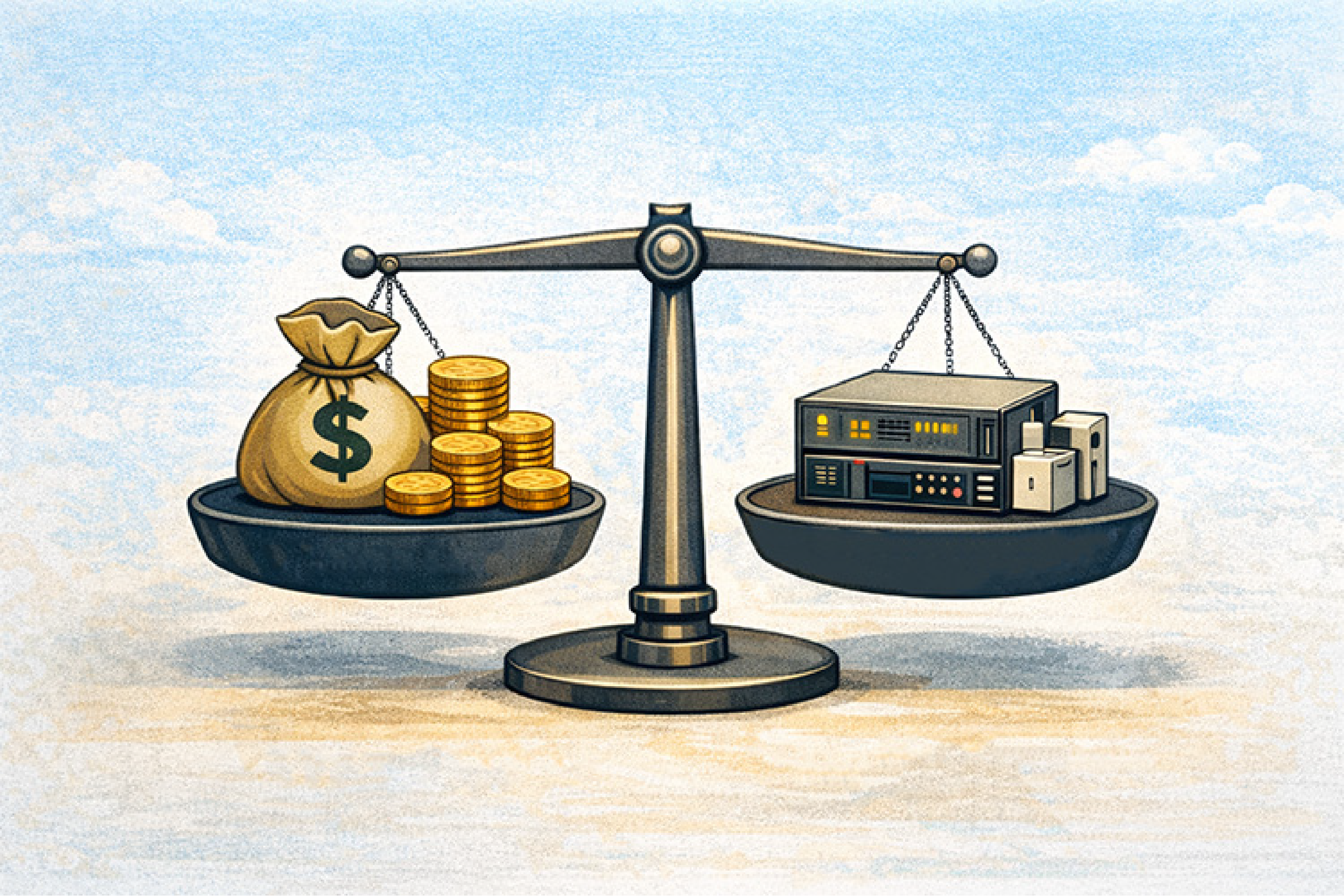
Reasonable monitoring is paying to detect a failure condition when the cost to detect it is lower than the expected cost of that failure condition over a practical time horizon.
The key phrase is expected cost. Expected cost accounts for two things at the same time:
A failure that is expensive but rare can still justify monitoring at scale. A failure that is frequent but cheap might not justify a complex monitoring setup. Reasonable monitoring means you spend where detection changes outcomes.
Commonly used RTUs like the DPS Telecom TempDefender (small sites) or NetGuardian 216 (medium sites) represent the differing size choices you can make (with differing pricetags), depending on how much risk you have that justifies a certain amount of monitoring.
Remote operations create a specific trap: the problems that hurt the most are often the problems you don't see every week.
A rare failure mode feels "not worth it" when you're thinking about one location. That same failure mode looks very different when you operate dozens or hundreds of sites for years.
A second trap is budgeting. Sensors, monitoring devices, and detection improvements often last far longer than a single budget cycle. A one-time investment can deliver value for 5, 10, or 20 years. When you force that decision into a one-year frame, the math gets distorted and you end up under-monitoring high-consequence-but-low-probability conditions.
A third trap is that monitoring discussions often skip the "so what?" question. A signal only matters if it triggers an action that prevents downtime, shortens troubleshooting, or reduces truck rolls. If detection does not change the response, detection is just data.
Most people have an intuitive sense of frequency, but it breaks down at scale. "Once in a while" becomes an argument. "Not common" becomes a comfort blanket. "Site-years" turns those phrases into something measurable.
Definition: Site-years (sites x years)
Site-years is your number of remote sites multiplied by the number of years those sites are operating under a normal year of seasonal conditions.
If you operate 50 sites for 5 years, that is:
Site-years is a clean way to talk about exposure. A failure might be rare at one site, but across many sites and many years, the same "rare" event becomes statistically expected.
Site-years work because the concept is familiar. You're not asking people to love probability theory. You're giving them an exposure unit, similar to how operations teams already talk about labor.
A helpful analogy is man-hours (people x hours). Man-hours aren't perfect, but they are useful. Site-years are the same kind of useful.
Site-years help you answer questions leadership actually asks:
Site-years also prevent single-site thinking. Single-site thinking is how organizations talk themselves into ignoring expensive failures until the failure arrives.
You do not need perfect data to use site-years. You need a credible estimate range.
Start with what you already have:
If internal data is thin, use conservative estimates and ranges rather than a fake precise number. A useful pattern is to estimate frequency as "one event per X site-years."
Examples of frequency estimates that are easy to work with:
A frequency estimate does not need to be perfect to be useful. A frequency estimate needs to be defensible, explainable, and updateable as you gather better data.
Once you can express frequency using site-years, you need a time horizon that matches how monitoring investments actually behave.
A one-year budget frame is often too short because many monitoring additions are long-lived. The device you install today is still working years from now. The sensor you deploy this quarter might not "pay off" within a single fiscal year, but it can absolutely pay off over its lifecycle.
Definition: The 5-year cost rule
The 5-year cost rule compares the expected cost of a failure mode over five years to the one-time cost of detecting that failure mode.
The rule is simple:
Five years is not a magic number. Five years is a practical planning window that aligns with how many organizations think about infrastructure, refresh cycles, and long-lived equipment value. Five years also prevents the "annual cost trap," where a one-time purchase looks expensive simply because you are forcing it into a one-year narrative.
The "cost of failure" should be written in operational terms that finance and leadership can understand. Your goal shouldn't be scare tactics or excessive drama. Your goal is clarity.
Common cost-of-failure components include:
A cost-of-failure estimate should be explainable in one breath. A cost-of-failure estimate should also be adjustable. When you learn that an outage costs more than you thought, the model should update without argument.
The cost to detect is more than the sticker price of a sensor. Detection costs include everything required to turn a signal into an actionable alarm.
Common cost-of-detection components include:
A monitoring decision should assume a real workflow, not an imaginary perfect workflow. An alarm that cannot reach the right person at the right time is not "monitoring." An alarm that is not tied to ownership is not "monitoring." An alarm without a defined response is just noise.
A monitoring budget works best when it's attached to a repeatable process. The process below is intentionally simple. It's meant to be used in planning meetings, not buried in a spreadsheet that nobody updates.
Start with consequences, not sensors.
A "failure mode that matters" is any condition that can cause downtime, damage equipment, create a safety risk, or force an emergency response.
Common remote site categories include:
Your output should be a short list you can defend. If your list is 60 items long, you're building an alarm fatigue machine.
Convert "rare" into "one event per X site-years."
Examples:
If you're guessing, guess conservatively and use a range.
Use real operational components:
If the cost is uncertain, use a range: low / expected / high. A range builds trust because it signals you understand uncertainty.
Use one line of math that anyone can follow:
Expected events over 5 years
= (site count x 5 years) / (site-years per event)
Expected five-year loss
= expected events x cost per event
Expected value does not mean "this won't happen." Expected value means "this is the average loss over time at this level of exposure."
Detection cost should include what makes the alarm usable:
A signal that does not route correctly is not monitoring. It's trivia.
A T/Mon SLIM (smaller networks) or full T/Mon (LNX) master station gives you clean escalation rules so the right alarms hit the right people fast with a reduced amount of install effort.
This is where monitoring becomes manageable.
Once you've sorted a failure mode into Tier 1/2/3, the next question is simple: what hardware makes that tier easy to run without creating alarm noise? Here are five proven "default picks" you can map to your site size and consequence level:
If you want a fast selection rule: choose the RTU by site complexity (how many things can break), and choose T/Mon by operations complexity (how many people, shifts, and escalation paths you need to coordinate).
Your monitoring plan should change when reality changes:
This is the core advantage of a model: it updates without argument.
Here's a clean example you can reuse internally.
In this scenario, a $3,000 one-time detection cost does not pay off on expected value alone.
This is why ranges matter.
If the same event costs $50,000 instead of $10,000:
If the frequency is 1 per 400 site-years instead of 1 per 1,000:
This is also where risk tolerance enters. Some events are "unacceptable even once." Expected value is a decision input, not a moral authority.
One-year framing tends to punish the exact investments that reduce outages.
A monitoring addition is often a long-lived asset. If a sensor and its workflow provide value for 5-20 years, the honest comparison is not "this year's budget versus this year's incidents." The honest comparison is lifecycle value versus lifecycle risk.
A finance-friendly way to present this:
If everything is urgent, nothing is urgent. Monitoring that increases noise can reduce uptime.
Rare does not mean irrelevant at scale. High consequence deserves a separate review.
If an alarm has no owner and no escalation path, it doesn't reduce risk.
A decision framework is how you act before the second incident makes the case for you.
Start with signals that change outcomes:
Build a "Top 10 alarm list" where every alarm includes:
Roll out in phases:
In practice, many teams with smaller networks start Phase 1 with a NetGuardian DIN or 216 at the edge and then centralize alarms into T/Mon as the network grows, so the rollout stays manageable instead of overwhelming.
A monitoring investment is easiest to defend when it improves measurable operations:
The most important practice is documentation. If you track baseline metrics before rollout (incident rate, time to detect, time to repair), your ROI story gets stronger over time (because it's based on outcomes, not opinions).
Use conservative ranges and express frequency as "one event per X site-years." Update the number as you collect real incident data.
Because many monitoring investments last multiple years. A one-year view often undervalues one-time detection that prevents long-lived risk.
No. Monitoring without action creates noise. Prioritize signals that prevent downtime or reduce troubleshooting time.
Use plain language: "We operate X sites for Y years, which is Z site-years of exposure. At this frequency, we should expect this event about N times over five years."
You don't need to monitor everything. You need to monitor what matters-and you need to be able to defend those choices to leadership, finance, and your ops team.
That's exactly where DPS Telecom can help.
We'll work with you to:
Whether you're upgrading one site or planning a full rollout, our goal is simple:
Give you clear visibility that prevents downtime and shortens recovery.
Let's make your monitoring investment count - for five years and beyond.
📞 Call us at 1-800-693-0351
📧 Or email sales@dpstele.com
Let's build a monitoring strategy you can explain, defend, and grow.

Andrew Erickson
Andrew Erickson is an Application Engineer at DPS Telecom, a manufacturer of semi-custom remote alarm monitoring systems based in Fresno, California. Andrew brings more than 19 years of experience building site monitoring solutions, developing intuitive user interfaces and documentation, and opt...


