
Check out our White Paper Series!
A complete library of helpful advice and survival guides for every aspect of system monitoring and control.
1-800-693-0351
Have a specific question? Ask our team of expert engineers and get a specific answer!
Sign up for the next DPS Factory Training!

Whether you're new to our equipment or you've used it for years, DPS factory training is the best way to get more from your monitoring.
Reserve Your Seat TodayAlarm labels are the "subject line" of your monitoring system. An alarm label is defined as the short text an operator sees first - on an alarm list, an email notification, an SMS alert, or an escalated message after another operator failed to acknowledge it. Your alarm label has one job: to help you recognize a real situation in seconds so you can take the right action.
If your alarm label is unclear, your incident response slows down substantially. The first person who sees the alert hesitates. Then they dig for context. Then they forward it with any uncertainty that (likely) remains.
This guide is for you if you own monitoring outcomes: NOC managers, network operations leaders, field ops supervisors, and engineers maintaining an alarm database. It's also for you if you're onboarding new staff and you're tired of discovering - during real incidents - that only one senior person can interpret your alarm text quickly.
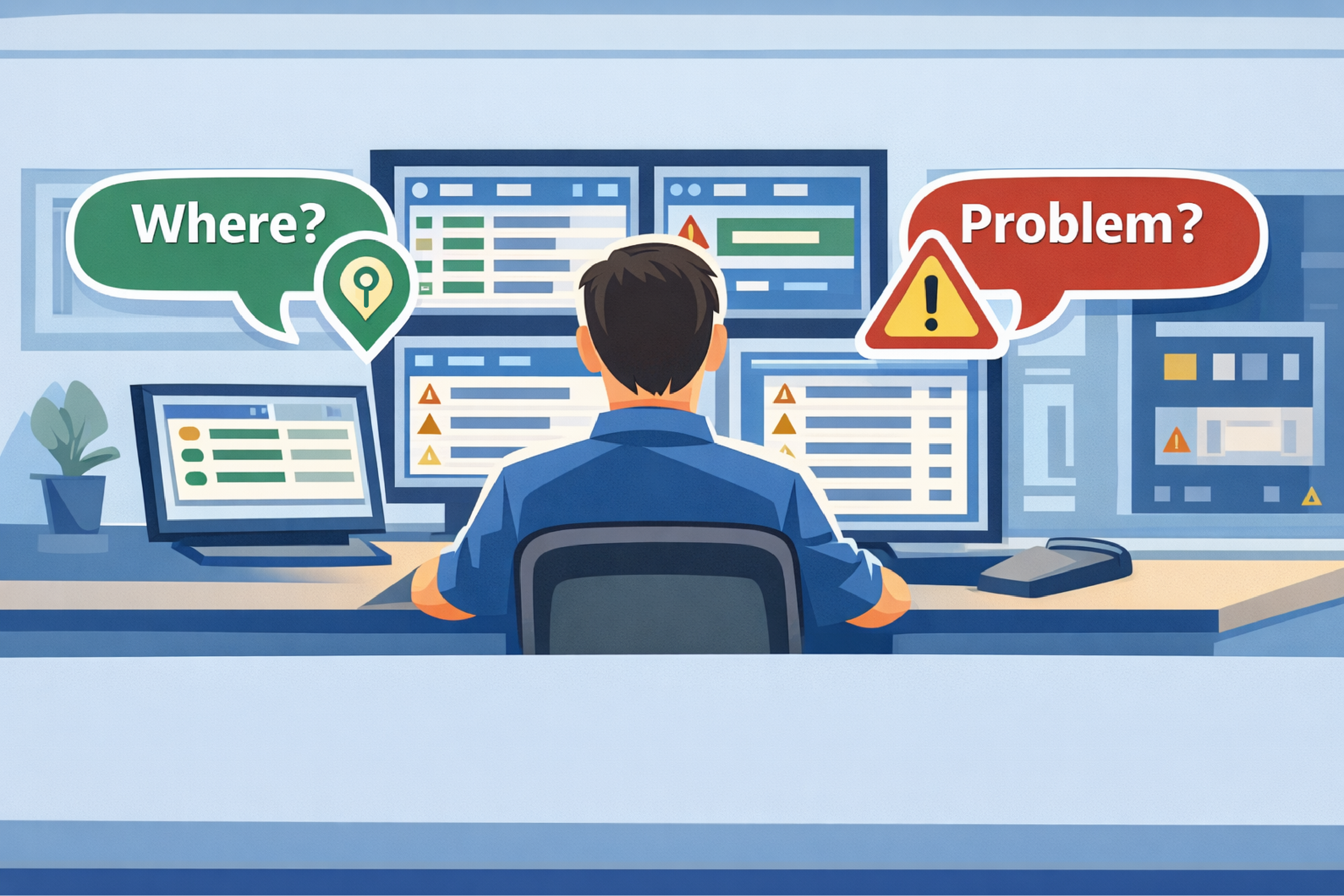
An alarm label is supposed to provide fast situational awareness. It should be readable at a glance and easy to scan in a busy alarm list during a hurricane, power failure, flood, or other widespread incident.
An alarm label is not supposed to be:
You will always need deeper context and response guidance, and that vital reference information should absolutely be in your monitoring system. You just don't want that context in the label itself - because the label has to work when you have seconds, not minutes.
If you want alarm labels that operators understand in seconds, enforce one simple rule:
Every alarm label must include the location and the problem. Those are the musts.
If your label does not tell you where it is and what is wrong, you're forcing the operator to do extra work before they can act. Extra work becomes hesitation, and hesitation becomes delay.
When you read an alarm label, you should be able to answer these immediately:
If you can't answer both at a glance, your label is not operationally complete - even if the system technically has the missing information "somewhere else."
A seconds-readable label usually looks like this:
[Location] - [Problem]
Examples:
These labels don't try to do everything. They give you recognition first, and (with a good alarm master like T/Mon) they let you go one click deeper for details.
You can't write a book in an alarm label, and you wouldn't want to. Between display constraints, mobile notifications, and paging systems, you may effectively have 32-64 characters that actually matter.
When you overfill the label, two bad things happen:
If your alarm list reads like paragraphs, operators stop scanning. They start struggling to manually decode (and decoding is slow!).
You don't want the operator to "study" the alarm list. You want them to recognize what's happening quickly and move into action.
Many systems cut long labels off (just think of how your email inbox cuts off really long subject lines). The most important words may be hidden. At that point, you are gambling on whether the meaningful part of the label is visible in the first line.
A practical rule is this: If the important information might be in the part you can't see, the label must be improved.
Alarm labels are optimized for recognition, not execution. That separation matters.
A good way to think about this is:
If an operator needs instructions, give them instructions - but put them where they belong: in attached alarm text, notes, or a response workflow.
Attached instructions are where you include:
A label like "Coco Mountain - Tower Light Failure" is perfect for recognition. You instantly know where and what.
Now imagine that same alarm also requires you to notify an authority and provide specific information (coordinates, tower ID, details of the failure). That is real operational detail, but it does not belong in the label.
A rule worth enforcing is:
If the response requires a phone number, a report, or a regulatory step, it does not belong in the alarm label.
Put that information in attached instructions so it's always one click away, without destroying readability.
When an alert isn't clear, it takes time to figure out. Unless someone spends too much time decrypting the data at the first step, the alert often gets handed off with remaining uncertainty.
That creates a predictable failure pattern:
This is especially painful during nights, weekends, shift changes, and turnover - because the person staring at the screen may not be the person who built the alarm database.
If your alarm labels require tribal knowledge, your monitoring system is fragile.
Abbreviations can be useful, but only when they preserve meaning.
Abbreviations tend to be fine when they are:
If your field techs know exactly what "S132" means and where it is, that abbreviation can save space without slowing response.
You get into trouble when you abbreviate the problem - especially when you compress a "nebulous trouble event" into cryptic text.
A classic example is AC. Is it alternating current power fail? Or HVAC air conditioning trouble? If a new operator has to ask, the label failed the seconds test.
Here's a practical standard you can use:
A common labeling challenge shows up when you have lots of monitored points and not enough characters to describe them cleanly.
A real example looks like this: you have an RTU with 32 discrete alarm inputs, attached to multiple sensors, monitoring gradual degradation across many physical locations. You also have multiple severity levels (minor vs critical) across many zones. You end up packing location information so tightly that you don't leave enough room to describe what is actually wrong.
When you're in that situation, you have two choices:
A practical approach is to standardize "location" into a compact but meaningful identifier (site ID, zone ID, rack ID), then keep the problem text clear and consistent.
Examples:
You're still obeying the rule: location + problem. You're just making "location" compact enough to leave room for "problem."
If you want a real improvement in response speed, don't treat labeling as an art project. Treat it like an operational standard.
Use one consistent structure:
Consistency is what makes scanning fast.
Take your top 50 alarms. Put them in front of the people who actually respond.
If the operator can't answer "where" and "what" immediately, rewrite the label. Don't accept "it's in the notes somewhere" as a pass.
Make the boundary explicit:
If you find yourself trying to add phone numbers, report steps, or long explanations, stop and move that content into attached instructions.
If you want to eliminate confusion quickly, ban these patterns:
A strong label standard survives turnover. If a new operator can't interpret alarms without asking for translation, your labeling system is creating risk.
If you're serious about label clarity, you need tools that make consistent labeling easy - and tools that give you a clean place to store response instructions without bloating the label.
Here are three places DPS Telecom products fit naturally into a labeling strategy:
Your alarm label quality often starts at the edge. If you're collecting discrete inputs, analog values, or SNMP traps at remote sites, you want those alarms normalized before they reach your core monitoring screens.
In many deployments, we recommend a NetGuardian RTU from DPS Telecom as the alarm collection point that helps you assign consistent, readable point names and deliver clean alarm text "northbound" into the rest of your monitoring stack.
You can keep labels clean and still give operators exactly what they need to act by attaching instructions at the alarm-master layer.
In many telecom and critical infrastructure NOCs, we recommend T/Mon from DPS Telecom as the alarm master layer where you can:
That design lets you keep the label readable while keeping the action steps close.
When multiple teams and stakeholders see the same status view, clear labels prevent "translation" threads during incidents. A shared view only helps if the text is consistent and scannable.
If you standardize your labels and want a web-accessible view that reinforces that standard, we often pair the alarm master and RTUs with a consistent visualization layer such as DPS Telecom SiteView.
An alarm label should include location + problem so an operator can answer "Where is this?" and "What is wrong?" at a glance.
A long alarm label often becomes unreadable in a list view and may be truncated into an ellipsis ("..."). Truncation can hide the most important information and slow response.
Response steps should go in attached instructions, notes, or an alarm-master layer. That is where you include who to call, what to report, phone numbers, and regulatory steps.
Abbreviations are acceptable when they are standardized and unambiguous in your organization. Abbreviations are risky when they compress the problem into cryptic shorthand that requires tribal knowledge.
Use a "seconds test." If an operator can't interpret the label immediately - especially under stress, fatigue, or during turnover - the label needs to be rewritten.
Alarm labels look small, but they control what happens next. If the label is clear, the operator acts. If the label is unclear, the operator hesitates, escalates for clarification, or routes the alarm incorrectly.
If you want faster response and fewer mistakes, focus on the fundamentals:
In short: you don't need "more words." You need the right words in the right place.
If you want help standardizing alarm labels, reducing ambiguity, and embedding response steps without cluttering your alarm lists, I (and the other engineers at DPS) can help you plan your next steps.
Call 1-800-693-0351
Email sales@dpstele.com

Andrew Erickson
Andrew Erickson is an Application Engineer at DPS Telecom, a manufacturer of semi-custom remote alarm monitoring systems based in Fresno, California. Andrew brings more than 19 years of experience building site monitoring solutions, developing intuitive user interfaces and documentation, and opt...


