A high-quality building access system will enhance the security of your sites.
This guide to will show you how to ensure the safety of your revenue-generating equipment.
1-800-693-0351
Have a specific question? Ask our team of expert engineers and get a specific answer!
Sign up for the next DPS Factory Training!
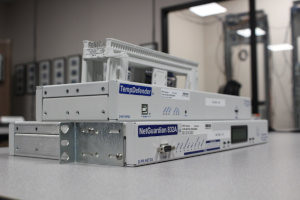
Whether you're new to our equipment or you've used it for years, DPS factory training is the best way to get more from your monitoring.
Reserve Your Seat Today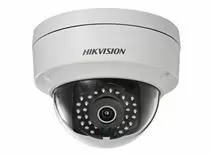
It's important to have visibility of your remote sites and your gear. Analogs, discretes, and controls give you insight on the condition of your gear remotely. But what about your physical building security? How do your know if someone has broken in? How do you know who's there?
Keypads and proximity cards provide some visibility, but they can only tell you if someone has broken in, not who broke in. If you (or the police) don't respond quickly enough, you won't be able to visually identify the suspect later. You need a way to see, record, and analyze your physical site security.
A note before we continue: this article references Hikvision cameras as an example. Hikvision is a China-based manufacturer, and depending on your project, funding source, or organization, federal procurement rules may restrict or prohibit its use on certain networks. Check any federal rules that apply to your deployment, as well as your own organization's internal policies, before selecting a camera. The monitoring concepts described below apply regardless of camera brand -- if Hikvision isn't an option for your project, DPS also works with Axis Communications cameras, which cover a wide range of IP camera models as an alternative.
The obvious answer is to get a security camera. But how do you know which one do you choose?
Look for a camera manufacturer that offers different models so you can find a camera that works for your needs. Consider the conditions at your site and choose features that work with those conditions. Do you need a camera that is stationary, or one that pans and/or zooms? Are you going to be recording only in lit areas, or do you need the camera to be night-vision capable? Getting the features that you need and none of the ones you don't will make your security camera effective AND cost-effective.
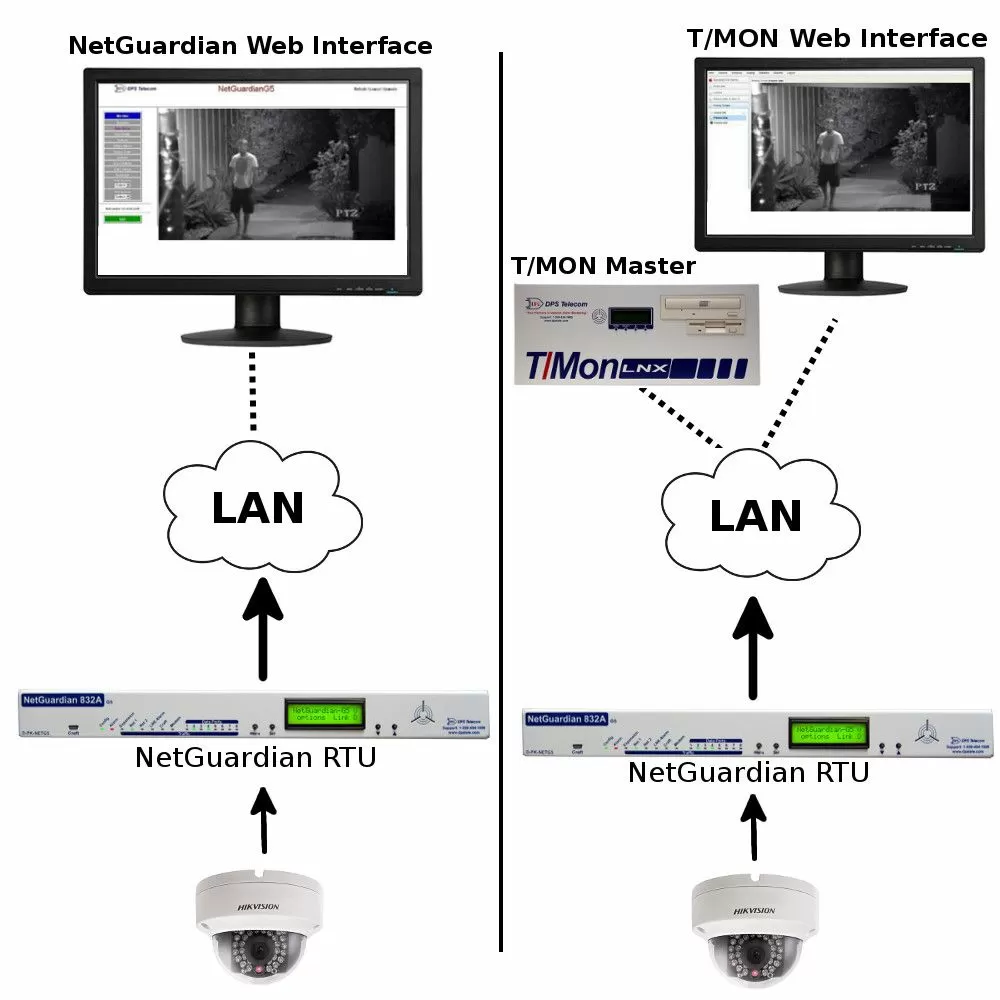
Hikvision cameras, for example, offer many different features and options. You can generally find a camera that fits your exact specs. Pan, tilt, zoom, color, and night vision are just some of the options to choose from.
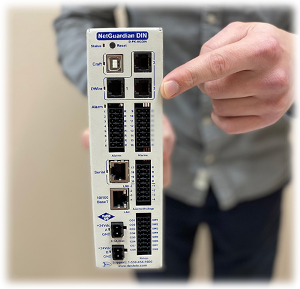
You'll be able to monitor who has access to your site and maintain a recorded history log of everyone who enters. At DPS Telecom, we've built this capability into a unified platform: our NetGuardian RTUs collect camera data, door contact alarms, and environmental alerts from the same remote site, and our T/Mon alarm master consolidates it all into one interface your team can monitor from headquarters. Plus, you can use the camera to assist new techs in the site as they work on racks. You'll visually be able to see if they are working on the right equipment.
Not sure if your tech will be able to access the site due to weather? With the Hikvision camera, you can visually check the weather conditions of each site before you dispatch your tech.
Plus, these cameras integrate seamlessly with your DPS RTUs and master station. You can view the Hikvision video management software (iVMS) seamlessly from within your DPS RTU web browser interface. This allows you to review security footage as you're checking alarm status. All your remote site vitals will be in one easy-to-use place. With the Hikvision camera integrated into your monitoring system, you'll have complete site visibility of not only your gear but your physical building as well.
Add an extra layer of security by monitoring the camera itself with your DPS RTU to guard against tampering. You'll be alerted the second someone cuts power to your camera, unplugs it, or otherwise tampers with it. This gives you plenty of time to alert law enforcement or your security team.
Don't leave your site vulnerable because you can't see what's happening. Get complete site visibility with Hikvision and DPS gear.
To get a quote, Call 1-800-693-0351 or send us an online message.