
Check out our White Paper Series!
A complete library of helpful advice and survival guides for every aspect of system monitoring and control.
1-800-693-0351
Have a specific question? Ask our team of expert engineers and get a specific answer!
Sign up for the next DPS Factory Training!

Whether you're new to our equipment or you've used it for years, DPS factory training is the best way to get more from your monitoring.
Reserve Your Seat TodayThe next evolution of T/Mon GFX is here. GFX has been integrated directly into the T/Mon web interface. This makes GFX faster, smoother, and better than ever.
The GFX is a user-friendly graphical interface that gives you complete and intuitive visibility over every element in your network. With the new Web GFX, you can:
Now there's no need to install CDs or software. GFX updates with the rest of your web interface, so you'll always have the most up-to-date version when you log in.
Use Edit Mode to make changes to your configuration, right in your web browser. No need to sync databases, software versions, or map changes. T/Mon's web interface even allows you to set user permissions for GFX, just as you would with other interface options.
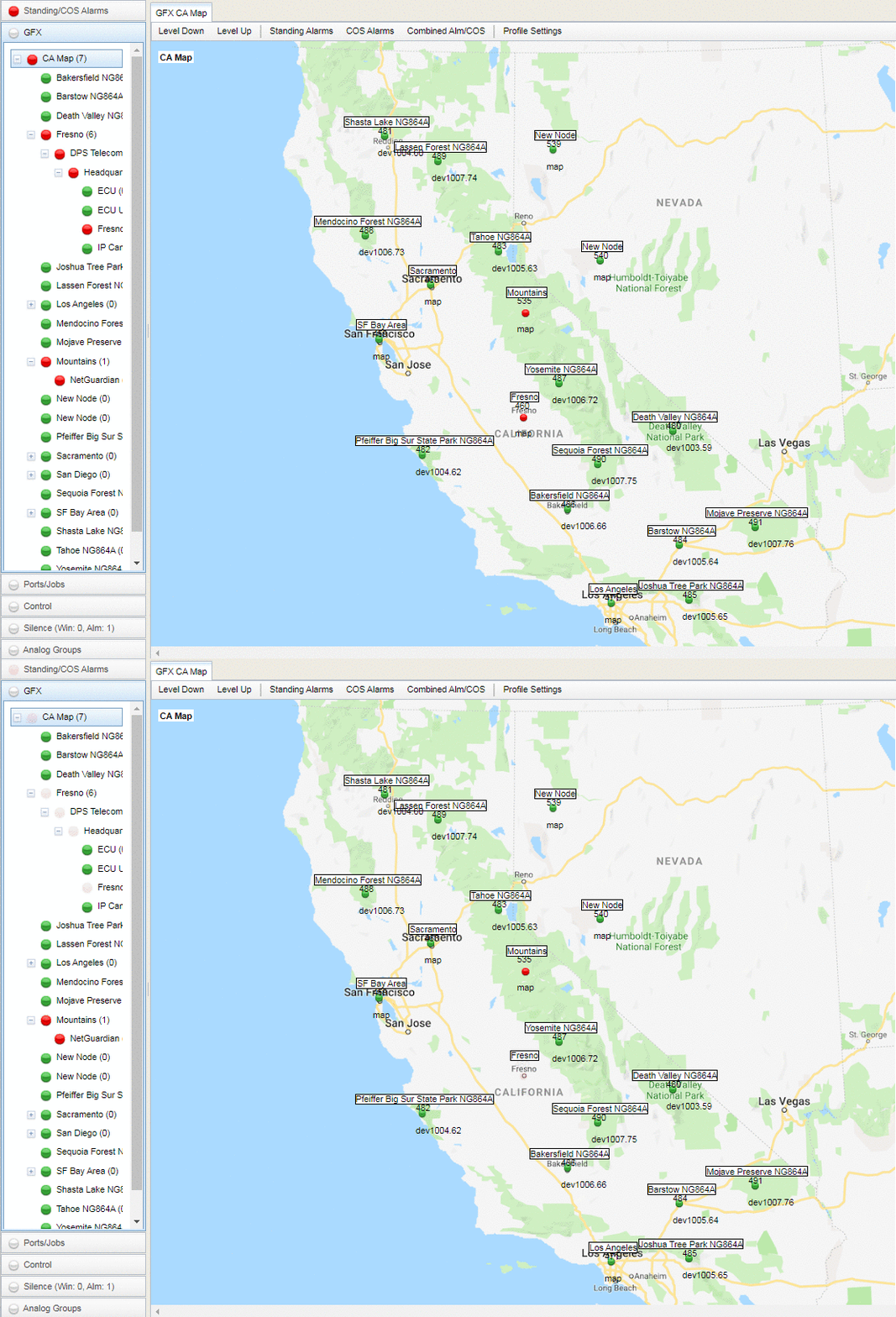
The new GFX is accessed through the T/Mon web interface.
Monitor mode allows you to see your maps in a dynamic interface. It allows you to view alarms visually on layered geographic maps. This multiple-layer support enables your staff to drill down from regions to cities, to sites, to photographs of individual equipment racks. This provides a "war room" view of your alarms right down to the network devices themselves, rapidly accelerating repair operations.
At DPS, we receive many urgent quote requests after an earlier "Do Nothing" decision comes back to bite you. You have no reason not to be proactive (and maybe you'll manage to impress your boss).
Call us. Chat with an expert for 10 minutes. We'll email you a detailed quote with a custom application drawing. We'll even include a summary of business benefits you can use to justify your project budget.
Call 1-800-693-0351 now for your quote or send us a quick online message instead)


